

Mesh networking 2026 budget
Setting up a mesh network in 2026 is no longer a luxury reserved for large estates. The market has shifted toward modular systems where you buy the base unit and add nodes only where coverage drops off. This approach keeps initial costs manageable while allowing you to scale as your home’s dead zones become apparent.
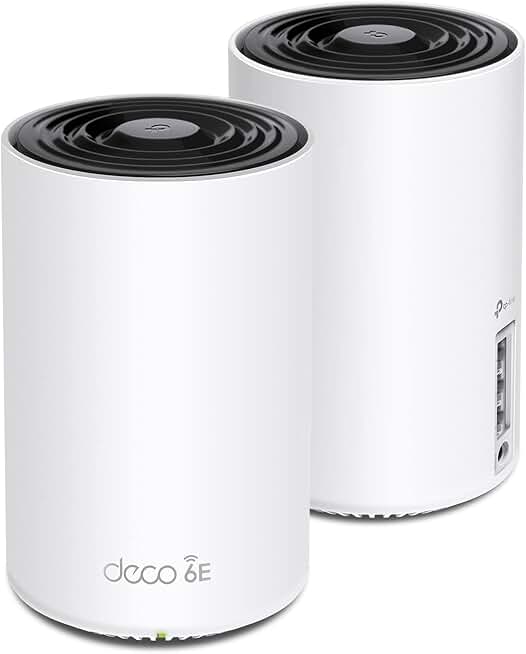
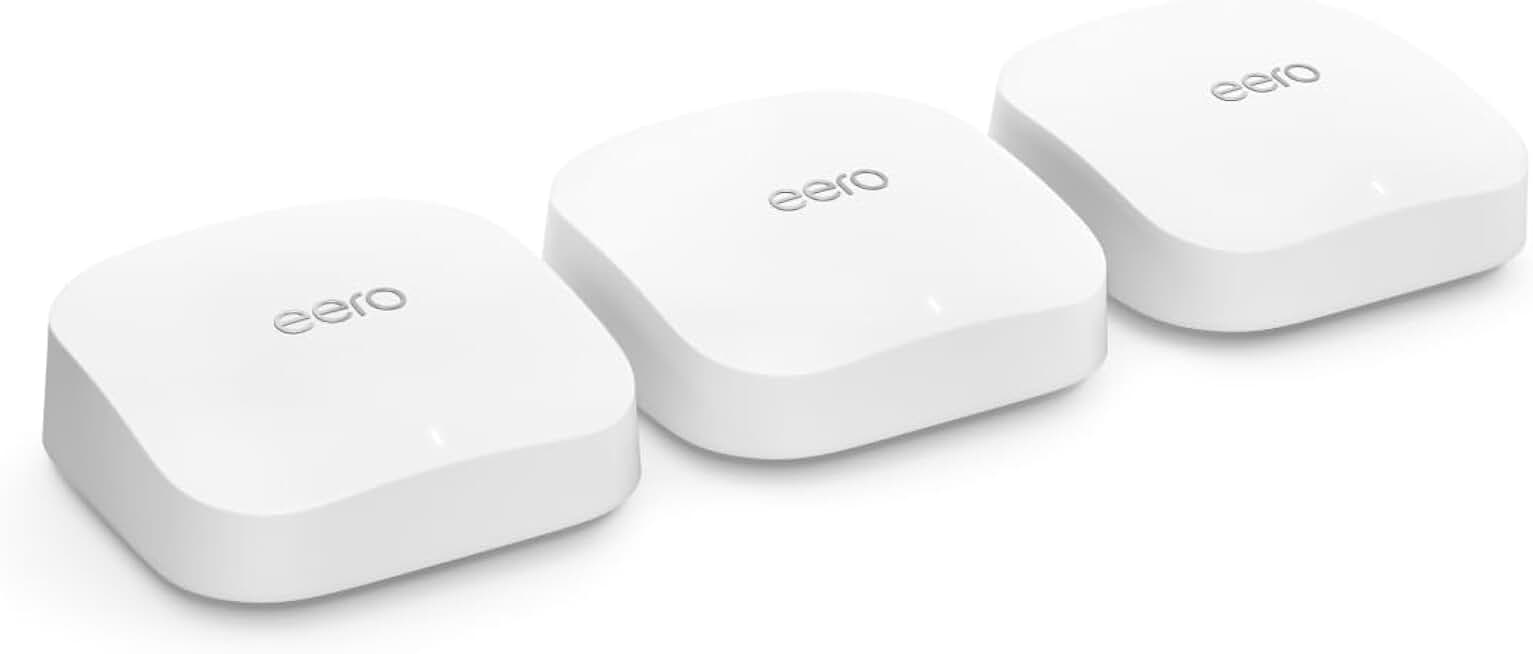
For most mid-sized homes, a three-node Wi-Fi 6 or Wi-Fi 7 system strikes the best balance between price and performance. Systems like the eero Pro 7 offer dual 10GbE ports and robust coverage for under $350 when purchased as a three-pack. This price point covers the backbone of your decentralized local network, ensuring that latency remains low even as you add more devices.
If your space is smaller or you are primarily replacing a single router, a two-pack or a single high-performance node may suffice. However, buying a three-pack upfront often saves money compared to purchasing an additional node later. The marginal cost of the third unit is usually lower than the shipping and setup effort required down the line.
As an Amazon Associate, we may earn from qualifying purchases.
When evaluating these options, look beyond the sticker price. Check for included Ethernet ports if you plan to wire backhaul for critical devices like servers or gaming consoles. A system with limited wired connectivity might save $50 initially but could require a separate switch, adding complexity and cost to your mesh setup.
Shortlist real options
The mesh networking market in 2026 has shifted decisively toward Wi-Fi 7 (802.11be). This protocol change demands new hardware that can handle higher throughput on the 6GHz band while maintaining stable connections across multiple nodes. Choosing the right system depends on your home’s size, your internet plan’s speed, and whether you need dedicated backhaul bands to prevent performance drops.
We compared the strongest contenders based on real-world throughput, latency, and ease of setup. The following table breaks down the core specifications of the top-rated systems, including the eero Pro 7, TP-Link Deco 7 Pro, and MSI Roamii BE Pro. Use this comparison to identify which hardware aligns with your specific network requirements before committing to a purchase.
| System | Wi-Fi Standard | Bands | Ethernet Ports | Primary Source |
|---|---|---|---|---|
| eero Pro 7 | Wi-Fi 7 | Tri-band | 2x 10GbE | PCMag |
| TP-Link Deco 7 Pro | Wi-Fi 7 | Tri-band | 2x 2.5GbE | RTINGS |
| MSI Roamii BE Pro | Wi-Fi 7 | Tri-band | 2x 2.5GbE | DongKnows |
| ASUS ZenWiFi XT9 | Wi-Fi 6E | Tri-band | 2x 2.5GbE | PCMag |
Each system offers distinct advantages. The eero Pro 7 stands out for its 10GbE ports, making it ideal for users with multi-gigabit fiber connections who need wired backhaul for critical devices. TP-Link’s Deco 7 Pro provides a more accessible entry point into Wi-Fi 7 with robust mesh coverage and a user-friendly app. MSI’s Roamii BE Pro targets gamers and power users with specialized QoS features, though it may lack the broad ecosystem support of larger brands.


As an Amazon Associate, we may earn from qualifying purchases.
Inspect the expensive parts
When a mesh node fails or a P2P protocol desyncs, the cost isn't just downtime; it's the complexity of replacement and the risk of data loss. Before committing to a specific system, check these four failure points. They determine whether your decentralized hosting setup holds up under load or collapses quietly.
Most budget mesh kits cap backhaul speeds to save on hardware costs. If you're running heavy P2P traffic or high-resolution media, a bottleneck here creates a single point of failure. Look for tri-band models or dedicated backhaul channels. The eero Pro 7, for example, includes 10GbE ports, ensuring your internal network doesn't choke on external data. Verify that your primary node has enough high-speed ports for your modem, switch, and critical servers.
Traditional routers often fail because of overheating or power surges. In a mesh or P2P context, one dead node can fragment your network. Check if the nodes have robust cooling and if the power adapters are standardized. Some systems allow you to replace individual nodes without replacing the whole suite. This modularity saves money and keeps the network alive during hardware swaps.
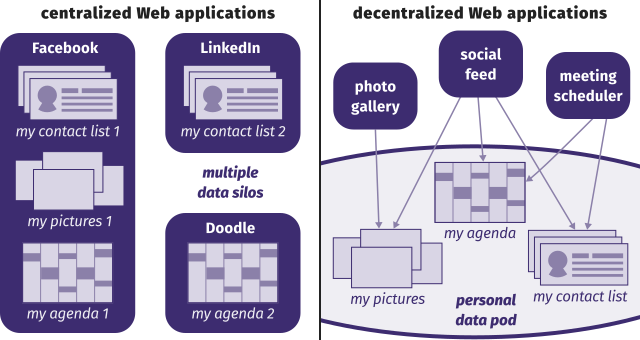
Decentralized protocols require consistent software versions across all nodes to maintain sync. If one node lags in updates, it can cause desync errors or security vulnerabilities. Choose vendors with automatic, background updates that don't require manual intervention. Check community forums to see if updates historically break connectivity. A reliable update mechanism is as important as the hardware itself.

If a node fails after the return window, you're stuck with a fragmented network. Prioritize systems with clear, hassle-free return policies and accessible customer support. Some brands offer extended warranties or node replacement programs. This safety net is crucial for expensive setups where a single faulty unit can disrupt your entire deployment.


As an Amazon Associate, we may earn from qualifying purchases.
Ownership costs and maintenance surprises
Buying a mesh network is just the entry fee. The real cost comes from the hardware you add as your home grows, the power cables that clutter your outlets, and the time spent troubleshooting dead zones that shouldn't exist.
Many users start with a two-pack, thinking it covers the whole house. It rarely does. Expanding to three or four nodes quickly doubles your initial spend. You also need to factor in the electricity. Unlike a single router that plugs into a wall box, mesh nodes often sit in open spaces, drawing power 24/7. Over a year, that adds up, especially if you're running Wi-Fi 6E or Wi-Fi 7 hardware that runs hotter.
Then there's the "cheap buy" trap. Budget systems often lack dedicated backhaul radios, forcing them to share bandwidth for both client connections and node-to-node communication. This leads to the slow speeds that make cheap hardware feel expensive in performance. You might save $100 upfront, but you'll lose money in frustration and eventual replacement.


As an Amazon Associate, we may earn from qualifying purchases.
Mesh networking 2026: what to check next
Does mesh replace traditional hosting for decentralization?
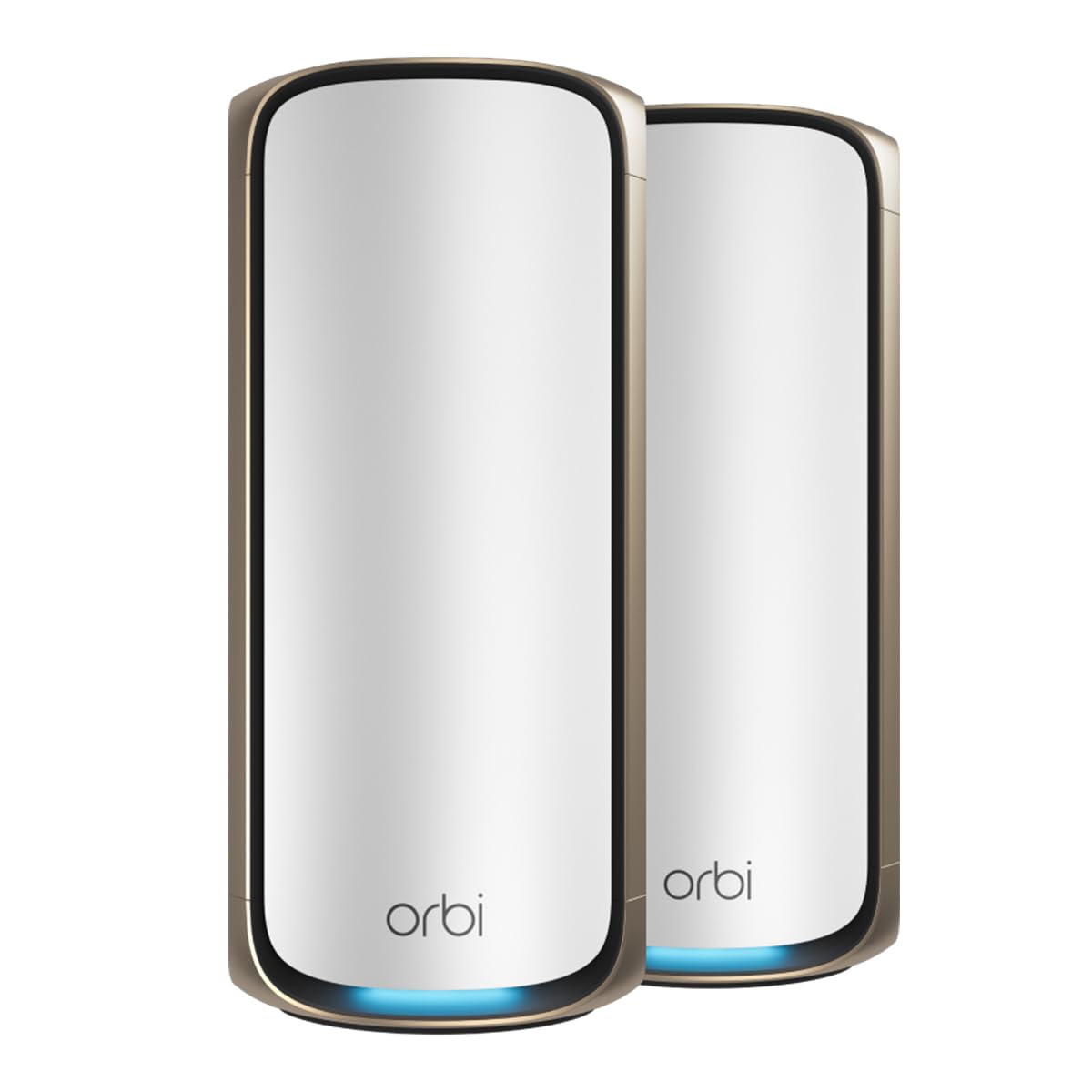
Not entirely. Mesh Wi-Fi systems like the Netgear Orbi 870 or eero Pro 7 handle local area coverage, eliminating dead zones through node-to-node communication. True decentralization requires P2P protocols that route data across independent nodes without a central server. Mesh improves your local infrastructure; P2P changes the network architecture.
Is Wi-Fi 7 necessary for mesh in 2026?
It is highly recommended. Wi-Fi 7 (802.11be) introduces multi-link operation, allowing devices to use multiple bands simultaneously. Systems like the TP-Link Deco 7 Pro BE3 or Netgear Orbi 770 leverage this to reduce latency and increase throughput. If you are investing in a new setup, Wi-Fi 6E is the bare minimum, but Wi-Fi 7 provides the headroom needed for modern bandwidth demands.
How do I choose between tri-band and dual-band?
Tri-band mesh systems add a dedicated backhaul band for communication between nodes, keeping client devices on the other bands. For homes larger than 2,000 square feet or those with many connected devices, tri-band is essential to prevent congestion. Dual-band systems are sufficient for smaller spaces but may slow down if too many nodes are required.
What is the biggest drawback of mesh Wi-Fi?
Cost and complexity. High-end systems like the MSI Roamii BE Pro can cost hundreds of dollars. Additionally, while they simplify setup, troubleshooting can be harder than with a single router. Ensure your ISP plan matches the mesh system's capabilities; a $500 mesh system cannot create speed that your internet provider does not deliver.
No comments yet. Be the first to share your thoughts!